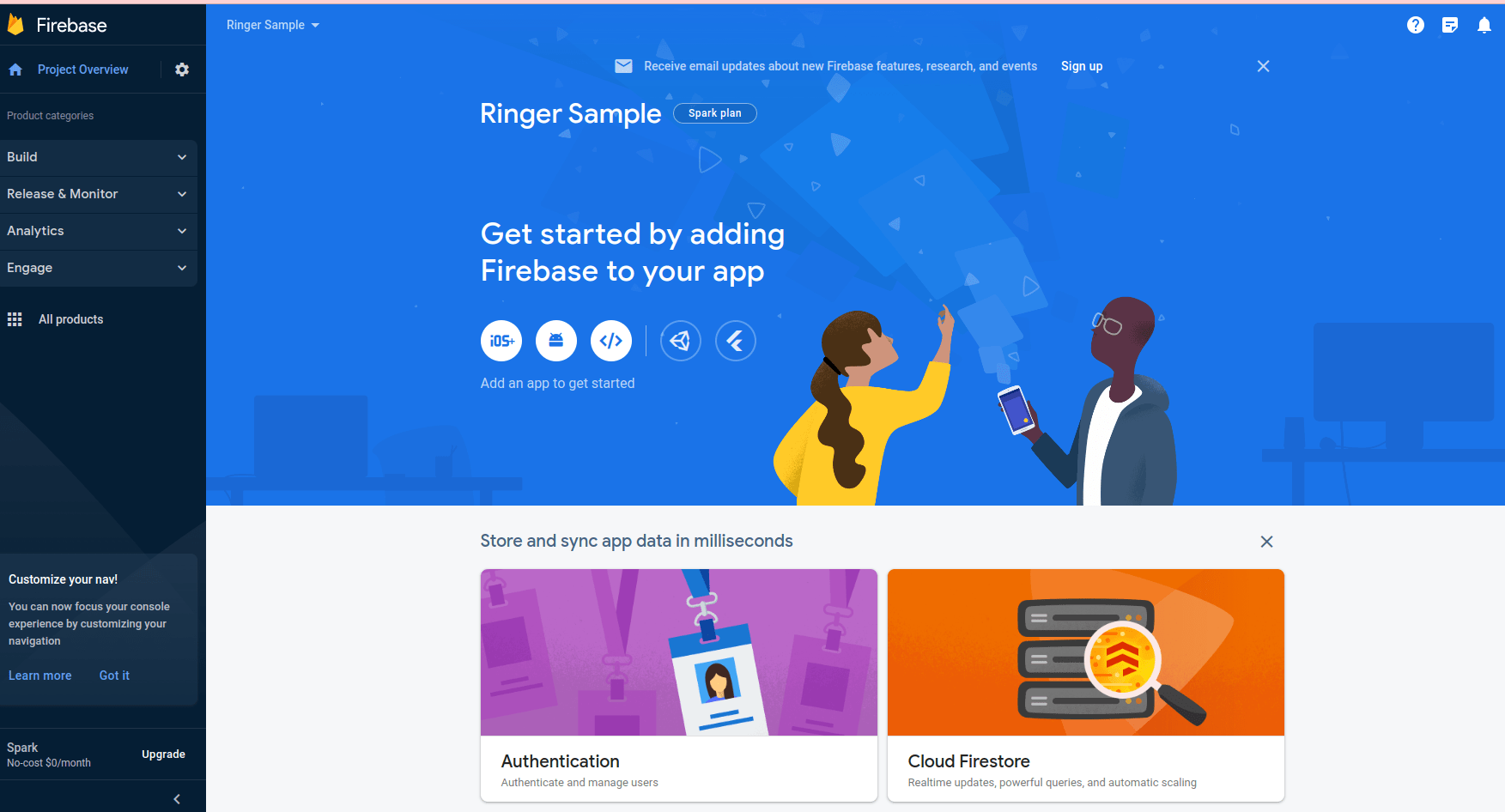
Create Firebase Token
My tip
You should have a google account and create Firebase Token first
Account Creation Instructions:
- Visit https://console.firebase.google.com/ and log in with your desired associated Google account.
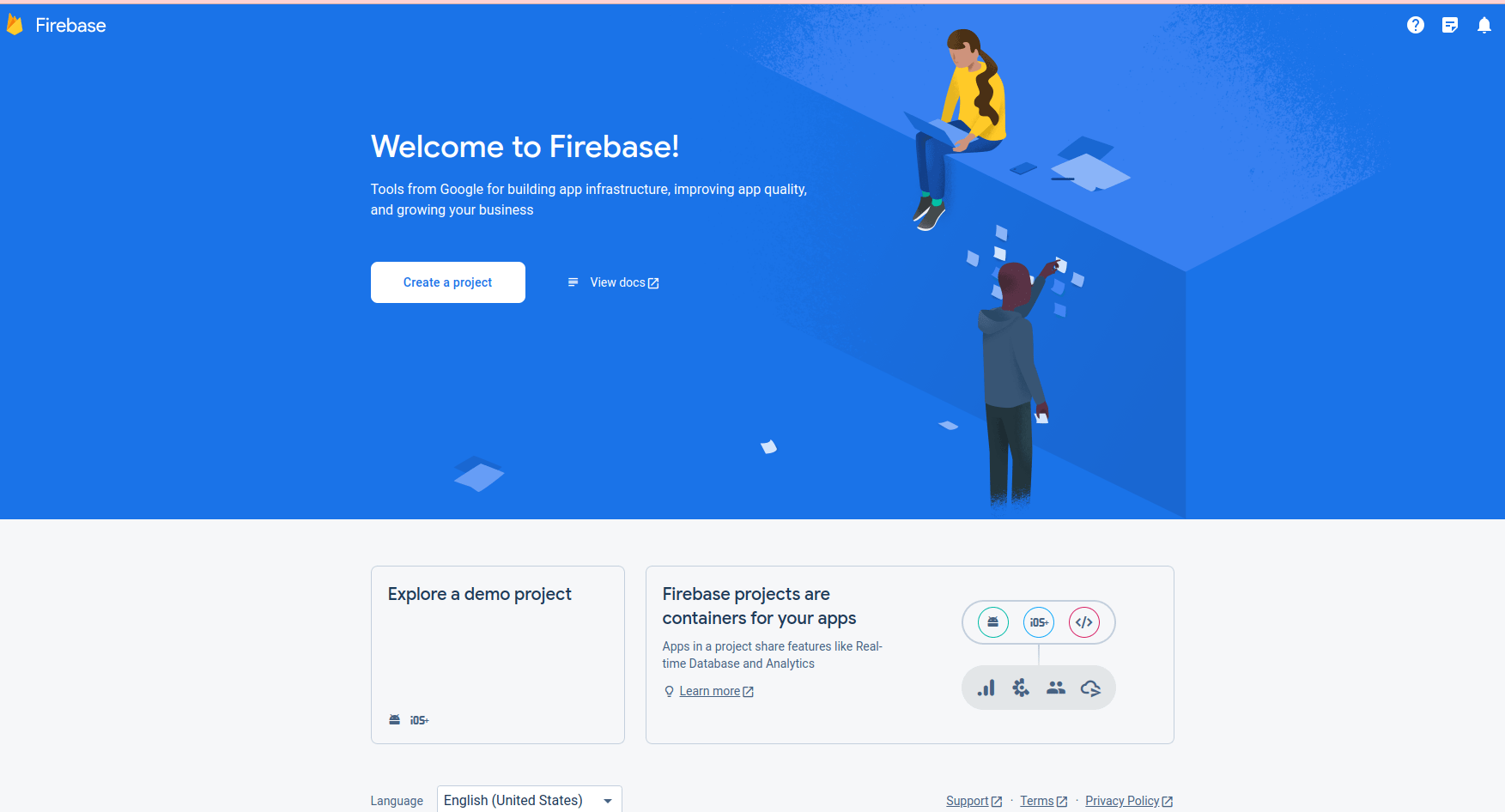
- Click on “Add Project”.

- Enter Your Project Name then click “Continue”.
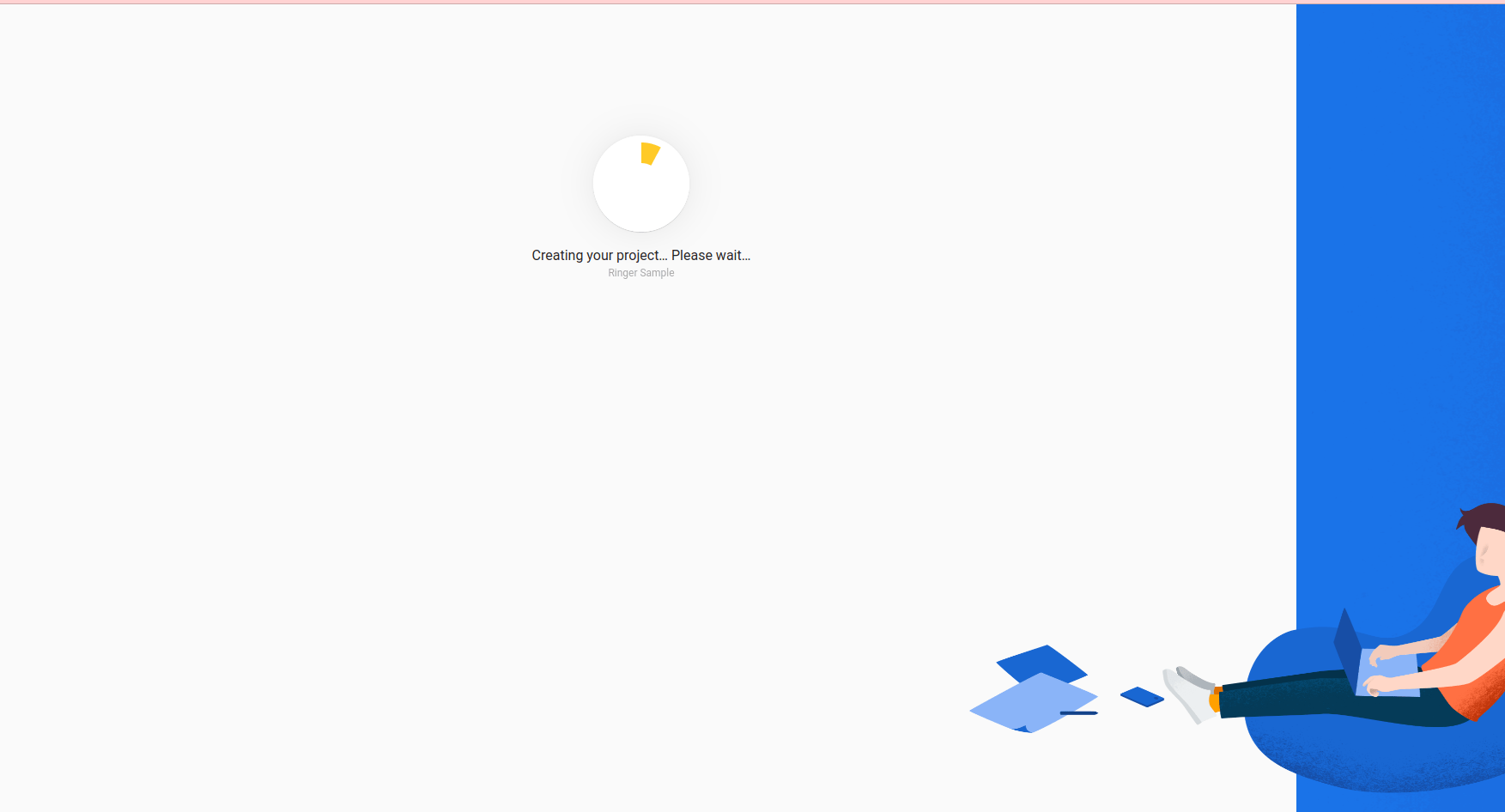
- Disable the switch titled “Enable Google Analytics for this project” then click on the “Create Project” button.

- Click “Continue”.
- After this you should see three options on your screen - Symbols for Android, IOS and Web.